
Qwen Image 2.1
Start here for transparent PNGs. Also supports everyday image creation and reference edits.
- Create · 1K / 2K
- 35 / 65 credits
- Edit · 1K / 2K
- 35 / 65 credits
Create product visuals and posters with Qwen Image 2.1, 3 or 3 Pro. Edit a reference image, or choose 2.1 for transparent PNGs.
Start with $4.90. One payment. No subscription required.
QWEN OFFICIAL SELECTION · IMAGE 2.1
Image 2.1 examples published by the Qwen team, not generated on this site. Open one for details, its source and a starting idea.
Qwen Image 2.1 · Actual outputs
Open an example for the full prompt, original image and settings.
Previously generated with Qwen Image 2.1. Your results will vary; inspect small text and fine details.
Your images are not added to a public gallery.
Real examples. Pick a prompt, then make it yours.
Choose by the output you need. All three models create images and edit one reference; each request produces one image.
Start here for transparent PNGs. Also supports everyday image creation and reference edits.
Choose 1K or 2K at the same generation cost. Supports a negative prompt to describe what to avoid.
Compare the Pro result on your own task before committing to more attempts. 2K uses more credits than 1K.
Transparent output requires Qwen Image 2.1 and PNG. Qwen Image 3 and 3 Pro produce opaque PNG or JPEG images. A higher price does not guarantee a better result for every prompt.
These are site-generated tests. Choose a task to see the input, result, limitations and steps.
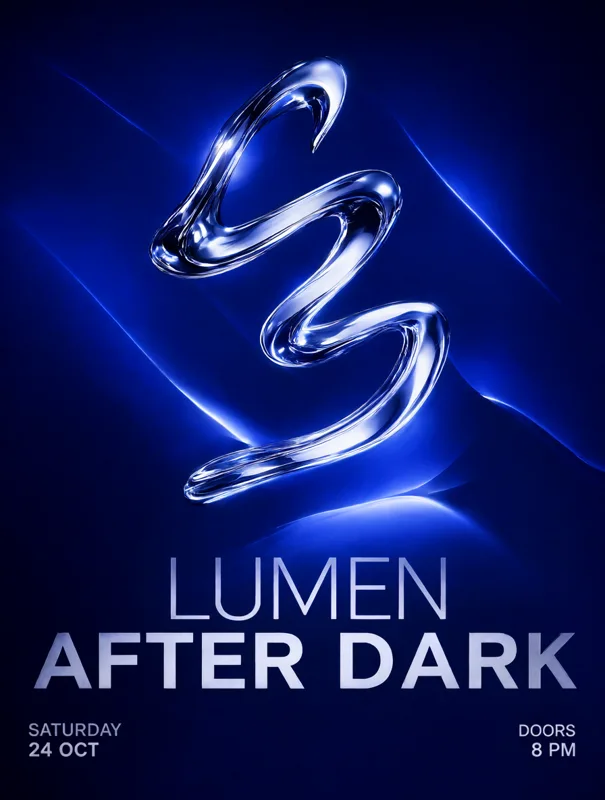
Explore a composition with one subject and a short title. Add long or exact copy in a design editor.
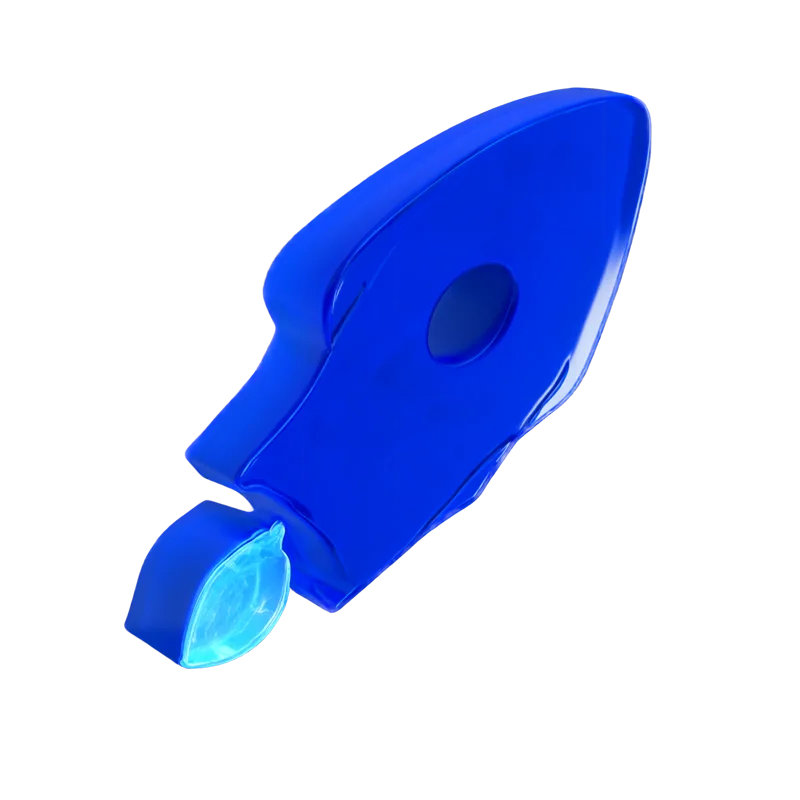
Create a new transparent PNG with Qwen Image 2.1, then inspect its edges. This is not lossless background removal for a photo.
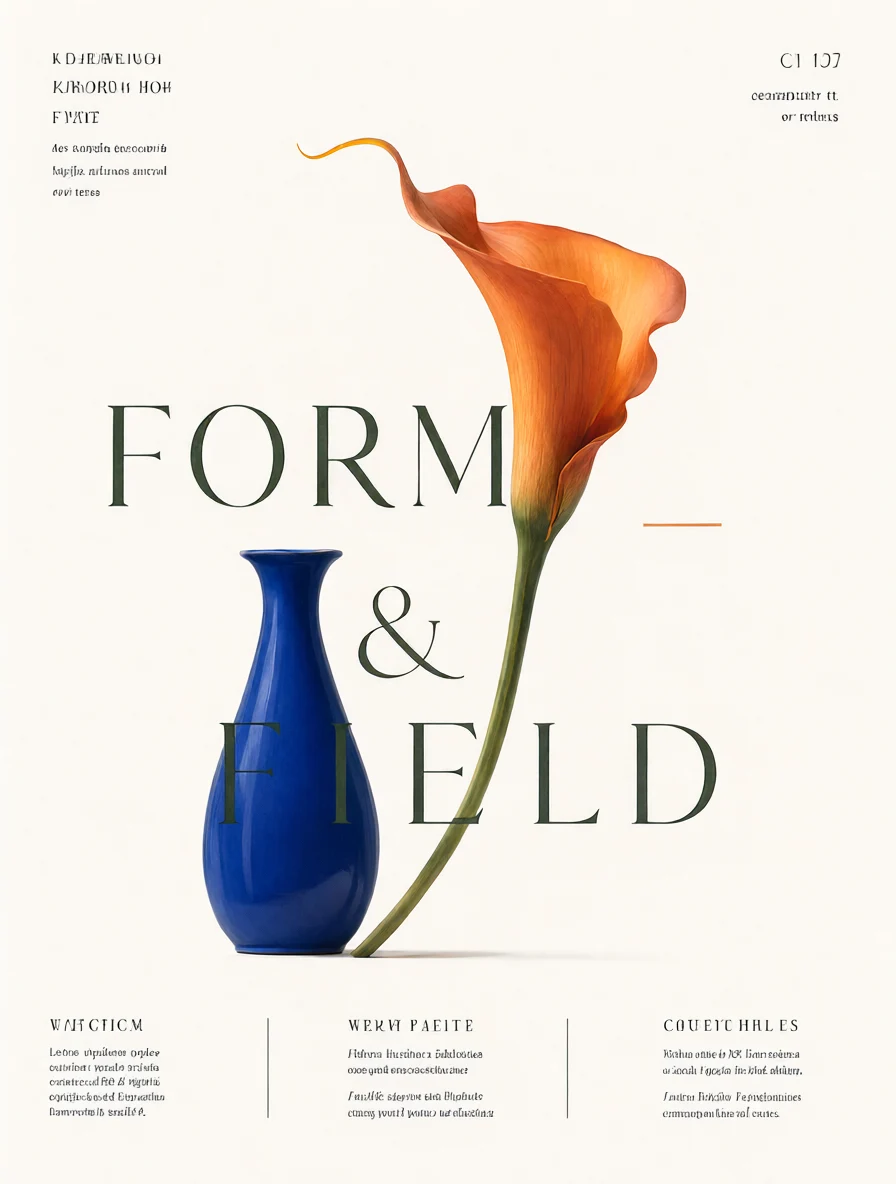
Start with one reference. Tell Qwen what to change and what should stay.
Try another phrase. Change one detail. Remove the whole background. Each iteration takes the image closer to what you had in mind.
Find your creative processFrom our test: large headline text is readable. Fine print still needs a careful check.
Describe your subject and style, then choose a shape and size. To edit a photo, add one reference and say what should change—and what should stay.
Find your next stepExplore official inspiration and our own studio samples without signing in. Our samples include full prompts, original downloads and before-and-after edits. Generating your own images requires paid credits; there are no signup credits. The one-time starter pack does not renew. With Qwen Image 2.1, it covers up to 11 images at 1K or 6 at 2K; other models use different amounts.
The cost depends on model, resolution and mode. Qwen Image 2.1 uses 35 credits at 1K or 65 at 2K, for either creation or editing. Some model settings cost more for editing than creation. Compare the models above and check the generation button for your exact cost. Compare plans
Select Qwen Image 2.1 and PNG, then turn on Transparent background. Describe only the subject, without a scene or floor. Download the PNG and inspect its edges; results can vary with the prompt. See the steps
Credits are returned automatically for a confirmed failed task. Pending images stay in My images, so you can check back without starting—and paying for—the same task again.
Generated text, details and likeness can be imperfect. Review your image and make sure you have the rights to your inputs and intended use.