
Qwen Image 1K vs 2K: resolution and model costs
Compare Qwen Image 1K and 2K output, current credit costs for 2.1, 3 and 3 Pro, and how many creations or edits your pack covers.
Last updated: 2026-10-29
What changes when you select 2K?
2K requests a larger output than 1K. Width and height depend on the aspect ratio, so 1K is a resolution class rather than a promise of exactly 1024 pixels on both sides. Our 3:4 1K poster returned 896 × 1184 pixels; our square 2K transparent example returned 2048 × 2048 pixels.
The cost depends on the model and whether you create a new image or edit a reference. These are the current rates used by the generator.
| Model | Create | Edit | Transparent PNG |
|---|---|---|---|
| Qwen Image 2.1 | 35 / 65 | 35 / 65 | Available |
| Qwen Image 3 | 40 / 40 | 40 / 40 | Not available |
| Qwen Image 3 Pro | 50 / 95 | 55 / 95 | Not available |
Qwen Image 3 costs the same at 1K and 2K. Editing includes one reference; with five-credit rounding, it currently costs the same as creation. Only Qwen Image 2.1 supports transparent output; choose PNG for that task. One request produces one image.
Work out a pack's capacity
Divide your balance by the rate for your selected model, resolution and mode, rounding down. With Qwen Image 2.1, 1,000 credits cover up to 28 images at 1K or 15 at 2K. With Qwen Image 3, the same balance covers 25 new images at either size, or 25 edits. Each retry is another request.
See current packs and subscriptions. Paid credits expire 365 days after issue. Annual subscription credits are issued together, not monthly. New accounts receive no free generation credits.
Bigger is not automatically better
Check text, hands, edges, and reference fidelity. More pixels do not repair an unsuitable composition. Save your best 1K result before trying another variation.
Choose the shape before the resolution
Use the intended placement to choose an aspect ratio: 1:1 for a square, 3:4 for an upright poster, or 16:9 for a wide slide. A 2K square will still need cropping for a portrait placement. Leave room around faces, labels and product edges if you know the destination will crop the result.
The current workspace offers 1:1, 4:3, 3:4, 3:2, 2:3, 16:9, 9:16 and 21:9 across the three models. The extra-tall 9:21 option is available only with Qwen Image 2.1. Check the available choices again after switching models; a ratio supported by one model is not automatically supported by another.
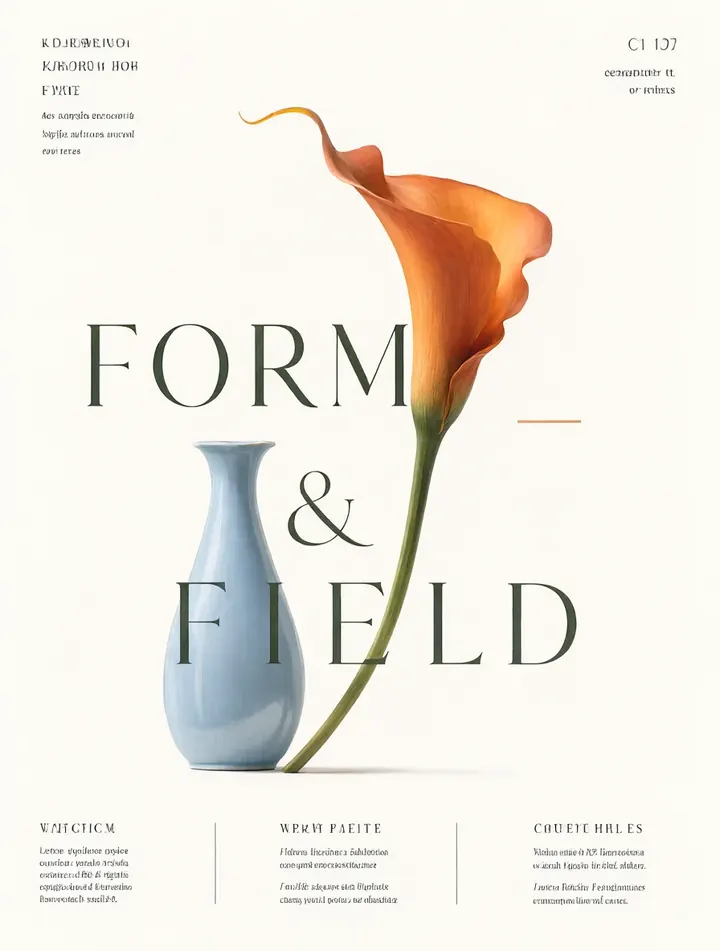
This existing 896 × 1184 example illustrates the portrait output discussed above. It is not a new 1K-versus-2K quality comparison. Rounded output dimensions can differ slightly from the selected ratio; inspect the actual file if a print or upload destination requires exact dimensions.
Check the downloaded file before ordering another image
- Download the original result, rather than taking a screenshot of its preview.
- Check the file's pixel width and height in your image viewer or file properties. Browser display size is not the file's resolution.
- Inspect small text and edges at 100% zoom. If the spelling is wrong, use the text correction guide; simply requesting more pixels is not a spelling fix.
- For an exact delivery size, crop or resize a copy in an image editor. Keep the original. Resizing an existing result does not create new detail, while another generation can change the composition.
For transparency, choose Qwen Image 2.1, transparent background and PNG before generating. A white JPEG does not become transparent when renamed .png. Check the PNG against a colored background and follow the transparent-background guide if its edges need attention. A second generation uses credits even if the purpose is only to change size or format.